Keep Your Website Secure, Updated, Fast and Working Properly
Websites change over time. Software needs updates, forms can stop working, links can break, new content needs to be added and performance can decline as more tools and features are introduced.
Goodfaith’s Website Maintenance & Support services help businesses keep their websites reliable, current and ready to support customers and marketing.
The goal is not to constantly change your website.
It is to keep what already works healthy and identify problems before they become bigger business issues.
Our approach is:
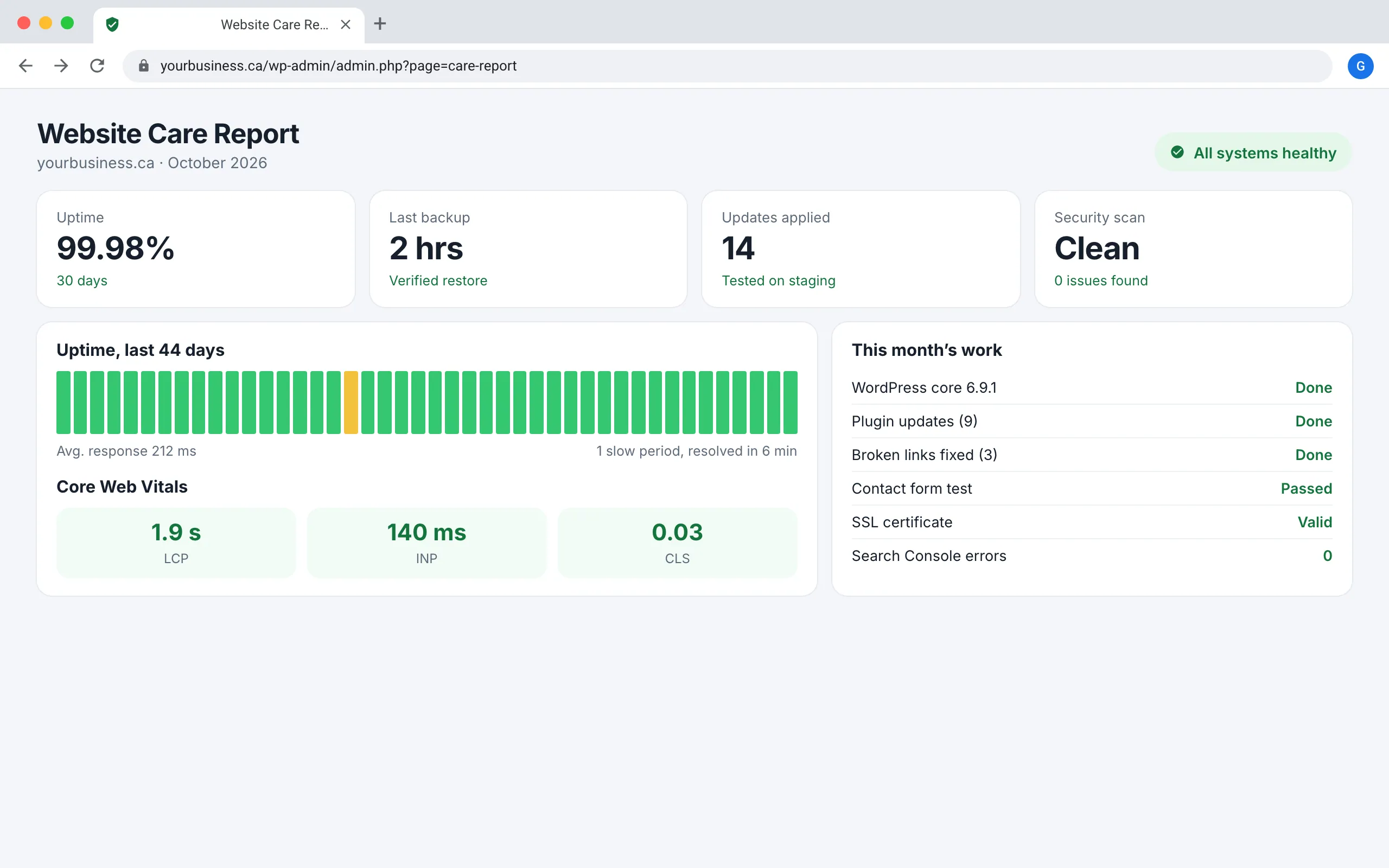
Protect
Update
Test
Monitor
Improve
How it all
connects
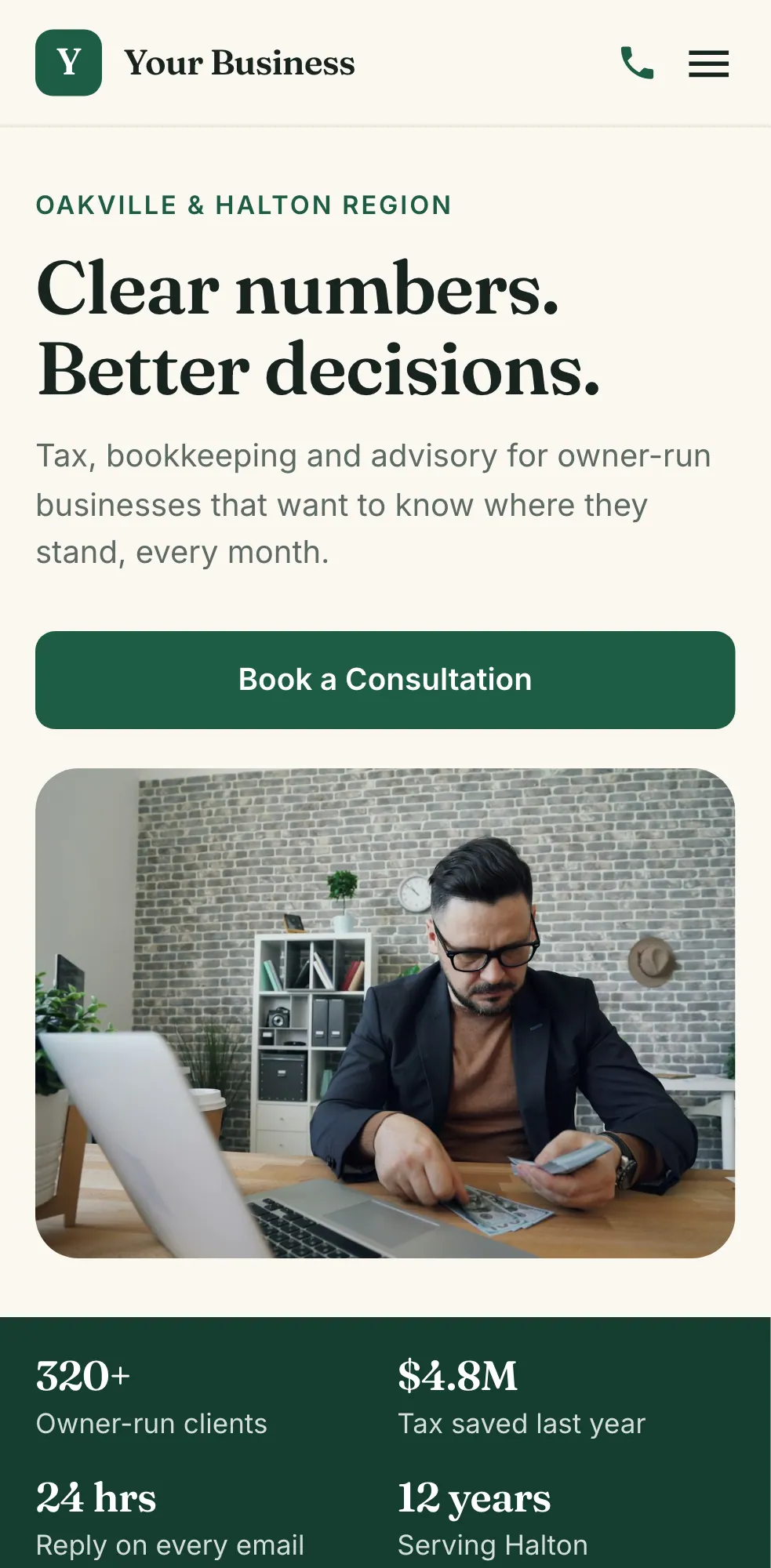
PageSpeed Insightsyourbusiness.ca
Performance
Accessibility
Best Practices
SEO
9:41
Illustrative example
What Is Website Maintenance?
Website maintenance is the ongoing work required to keep a website functioning properly after it launches.
Depending on the website, that may involve:
Software updates
Bug fixes
Backups
Security checks
Performance monitoring
Broken-link fixes
Form testing
Content updates
Technical troubleshooting
Search visibility monitoring
Think of it like maintaining any important business system.
A website may continue running without attention for some time, but small neglected problems can eventually affect customers, search visibility or business operations.
What Is Included in Our Website Maintenance Services?
01
Website Updates & Technical Support
Businesses regularly need small website changes.
Goodfaith can help with:
Content updates
New images
Page changes
Contact-information updates
New website sections
Form changes
Navigation updates
Bug fixes
Small functionality improvements
Instead of rebuilding the website every time something changes, we help maintain and improve the existing system.
02
WordPress, Plugin & Software Updates
WordPress websites may depend on WordPress itself, themes and plugins that continue to receive updates.
WordPress recommends keeping the platform updated and advises creating a backup before performing updates so the website can be restored if something goes wrong.
Goodfaith can help review and manage:
WordPress updates
Plugin updates
Theme updates
Compatibility issues
Broken functionality after updates
Unnecessary or outdated plugins
Our principle is:
Update carefully—not blindly.
An update should be followed by checks to make sure important parts of the website still work.
03
Backups & Recovery Readiness
A backup becomes valuable when something goes wrong.
Depending on the website and hosting environment, we may review:
Backup availability
Backup frequency
Website files
Website data
Restore options
Backup-before-change procedures
For WordPress, official documentation specifically recommends backing up the website before updates so it can be restored if problems occur.
The important question is not only “Do we have a backup?”
It is:
“Could we use it if we actually needed it?
04
Website Performance Monitoring
A website can gradually become slower as new images, scripts, plugins, tracking tools and features are added.
We may monitor areas such as:
Page loading
Mobile performance
Large images
Unnecessary scripts
Plugin impact
Layout stability
User experience
Google’s Core Web Vitals focus on real-world loading, interactivity and visual stability, making them useful signals for identifying customer-experience problems.
We do not chase performance scores for their own sake.
We focus on problems that noticeably affect the website and its users.
05
Forms, Links & Important Customer Journeys
A website can be online while an important part of it is broken.
Imagine spending money on SEO or advertising while your quote form no longer sends enquiries.
Goodfaith can check important journeys such as:
Visitor
Service Page
Form
Confirmation
Business
We may review:
Contact forms
Quote requests
Booking links
Important buttons
Navigation
Broken internal links
External links
Confirmation messages
The pages closest to generating business deserve more attention than decorative parts of the website.
The Goodfaith Website Maintenance Framework
We organize maintenance around five practical stages.
1P
Protect
Do we have the access, backups and safeguards needed before making changes?
2U
Update
What software, content or functionality actually needs attention?
3T
Test
Did the website still work properly after the change?
4M
Monitor
Are performance, search visibility or important functionality showing new problems?
5I
Improve
Is there a practical improvement that can make the website easier to use, manage or grow?
This creates an important maintenance rule:
Do not make a change simply because a dashboard says an update exists. Understand the change, protect the website and test the result.
The Goodfaith Maintenance Priority Check
Not every issue deserves the same urgency.
We prioritize based on:
Business Impact
Customer Impact
Search Impact
Risk
Effort
Website Issue
Typical Priority
Lead form stops working
Urgent
Website becomes unavailable
Urgent
Security-related problem
Urgent
Important service page breaks
High
Major mobile problem
High
Important pages disappear from Search
High
Small visual inconsistency
Lower
Minor content wording change
Planned
We focus first on problems that can affect customers or business opportunities.
Website Maintenance & SEO Monitoring
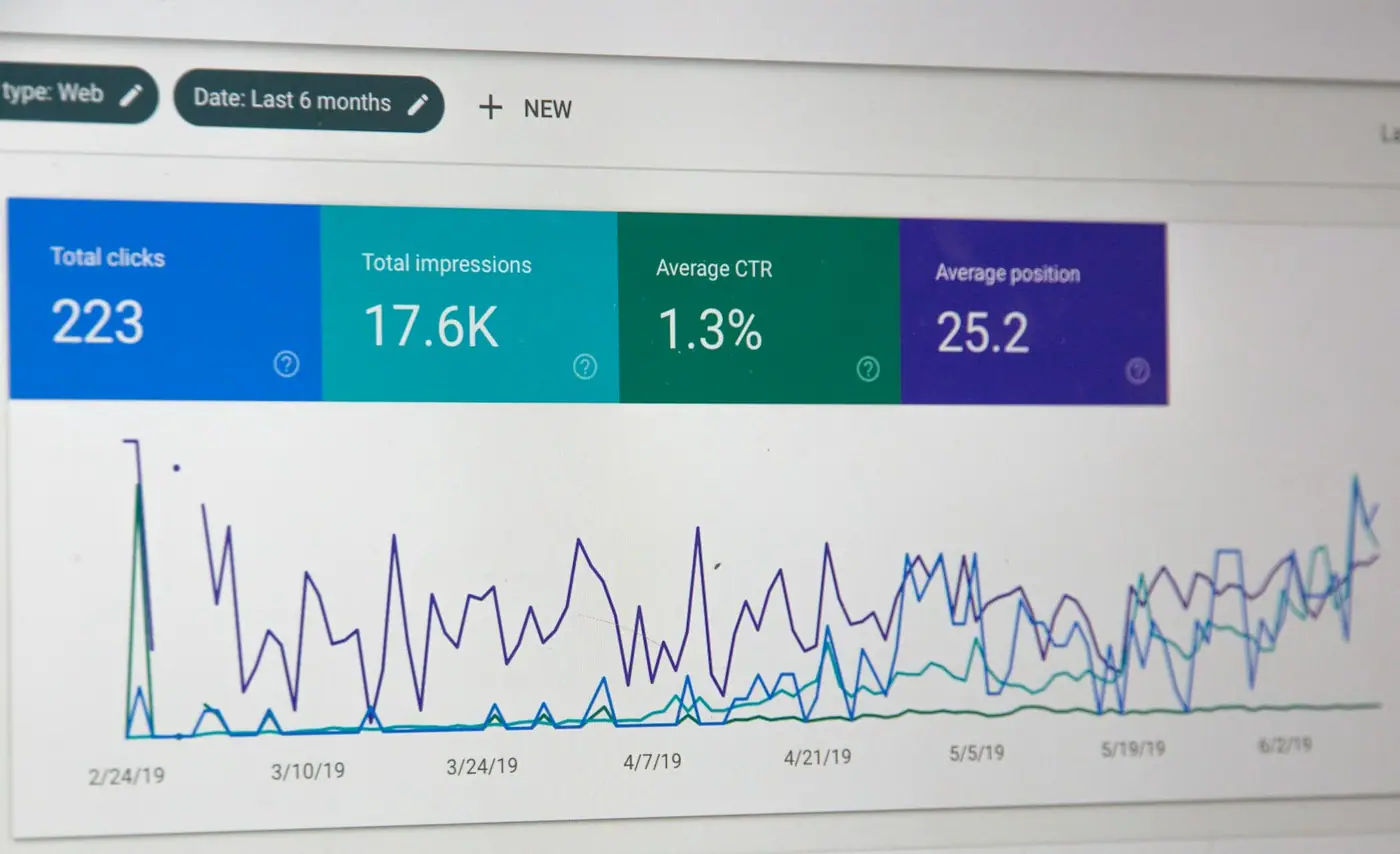
Website maintenance can also help protect your existing search foundation. Google Search Console provides information about how Google crawls, indexes and serves website pages and can alert site owners when Google detects certain new issues. Google recommends checking Search Console around important website changes and periodically monitoring performance. Goodfaith may review:
Indexing problems
Important URL changes
Search Console alerts
Broken redirects
Pages accidentally removed
Sitemap changes
Search visibility after major website updates
Google’s crawling and indexing documentation also covers areas such as redirects, canonicalization, robots controls, mobile indexing and site changes that can affect how pages are processed in Search.
Website maintenance should protect the search value your business has already built.
Example
Website Maintenance Example: Accounting Firm in Mississauga
Imagine an accounting firm whose website receives regular leads.
Over several months:
A plugin update breaks a contact form
New team members need to be added
Several old links stop working
Large images make new pages slower
An important service page is accidentally removed from navigation
Each problem looks small on its own.
Together, they can make the website less useful.
A maintenance process could identify, prioritize and correct these issues before they become long-term problems.
This is an illustrative example, not a claimed Goodfaith client engagement.
It depends on the website, technology and how frequently it changes. An active e-commerce or WordPress site may require more attention than a small informational website.
Can You Maintain a Website You Did Not Build?
Potentially, yes. We first need to review the website, technology and existing setup.
Is Website Maintenance the Same as SEO?
No. Maintenance protects the technical health of the website. Ongoing SEO involves broader work such as search strategy, page optimization, content and authority.
Do You Provide Ongoing Support?
Yes. Support can be structured around the website's actual maintenance needs.
We tested whether local businesses that rank near the top of Google are also the ones AI search tools recommend. Here is how we ran the experiment and what we observed.
Lessons from hands-on SEO work in the Niagara waterproofing and drainage industry: local search, website architecture, multi-location entities, service pages vs articles and first-hand content.